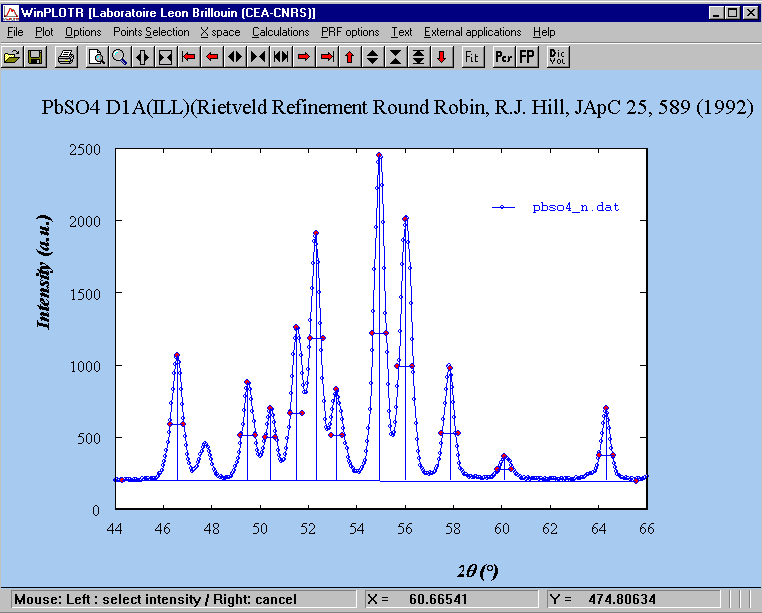
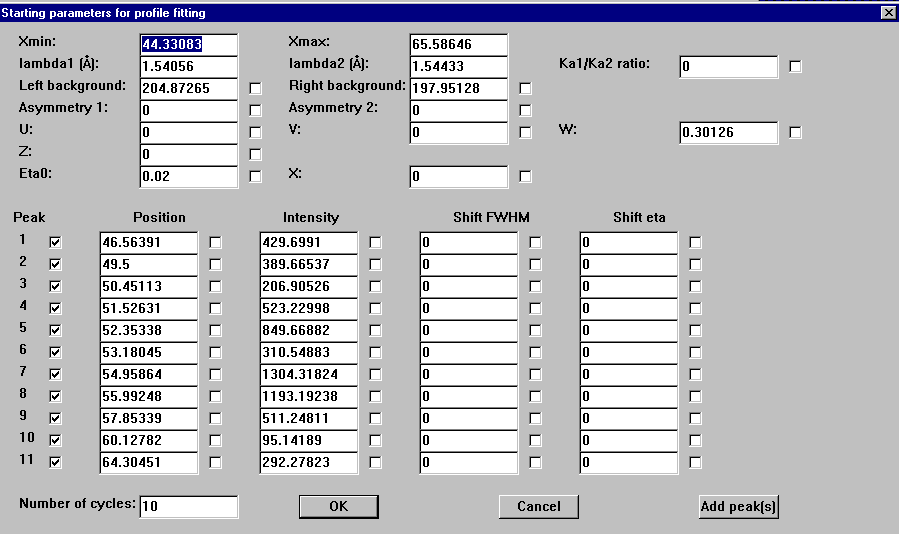
Click with the right mouse button leads to exit from this input parameters procedure and opens the following dialog box to define profile fitting procedure running conditions:
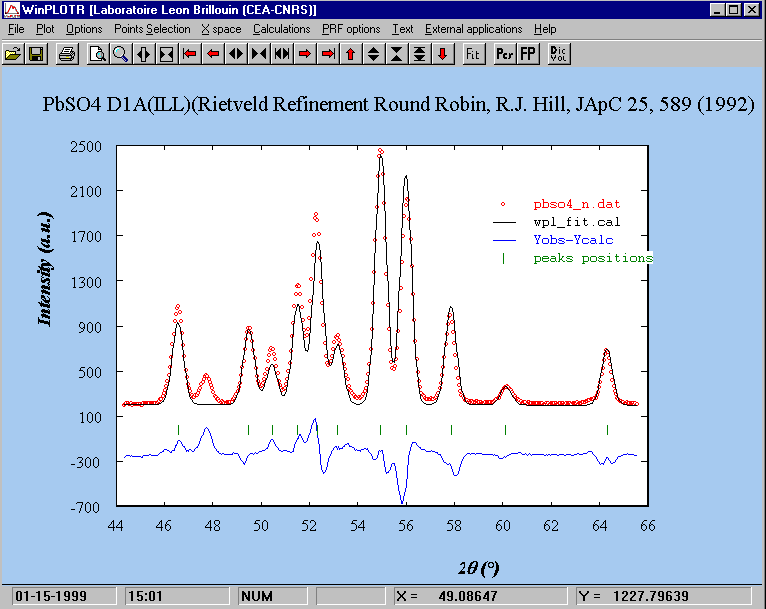
Click on the 'OK' button starts the profile fitting procedure with the previously defined conditions (no refined parameters):